• This is default featured slide 1 title

    Go to Blogger edit html and find these sentences.Now replace these sentences with your own descriptions.This theme is Bloggerized by Lasantha Bandara - Premiumbloggertemplates.com.

  • This is default featured slide 2 title

    Go to Blogger edit html and find these sentences.Now replace these sentences with your own descriptions.This theme is Bloggerized by Lasantha Bandara - Premiumbloggertemplates.com.

  • This is default featured slide 3 title

    Go to Blogger edit html and find these sentences.Now replace these sentences with your own descriptions.This theme is Bloggerized by Lasantha Bandara - Premiumbloggertemplates.com.

  • This is default featured slide 4 title

    Go to Blogger edit html and find these sentences.Now replace these sentences with your own descriptions.This theme is Bloggerized by Lasantha Bandara - Premiumbloggertemplates.com.

  • This is default featured slide 5 title

    Go to Blogger edit html and find these sentences.Now replace these sentences with your own descriptions.This theme is Bloggerized by Lasantha Bandara - Premiumbloggertemplates.com.

Showing posts with label Excel. Show all posts

Monday, 26 December 2016

Tutorial / Cara Menggunakan Rumus VLOOKUP dan HLOOKUP PADA Microsoft EXCEL dengan Mudah


Tutorial / Cara Menggunakan Rumus VLOOKUP dan HLOOKUP PADA Microsoft EXCEL dengan Mudah


Bertemu lagi dengan Alfan Tutorial.
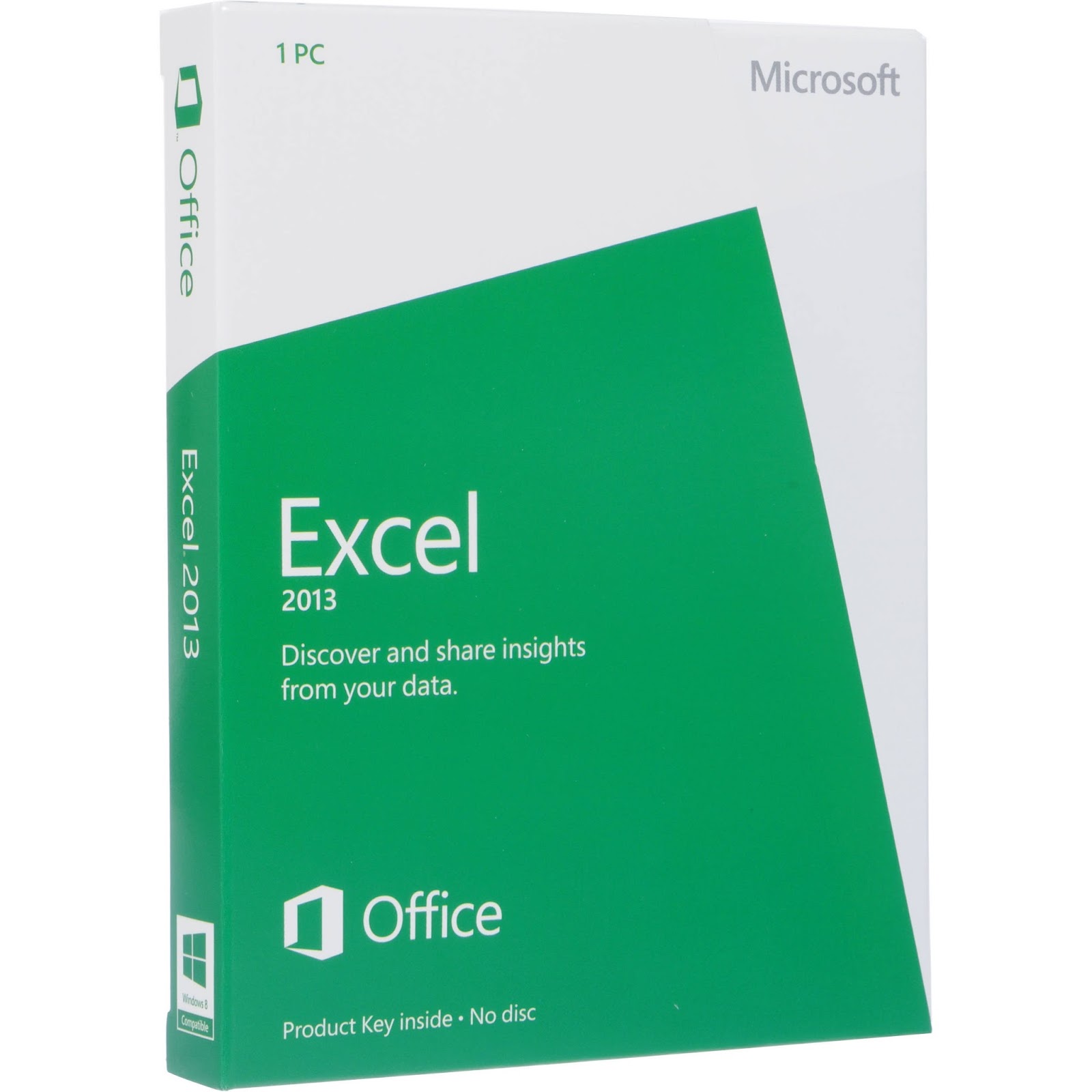
Pada pertemuan kali ini saya akan share dan berbagi cara Menggunakan Fungsi VLOOKUP dan HLOOKUP di Microsoft Excel baik MS Excel 2003,2007,2013,maupun 2016 dengan Mudah.
Langsung aja nih gaes.

Penggunaan Vlookup dan Hlookup sebenarnya hampir sama dengan fungsi IF pada MS Excel.
Share:

Monday, 12 December 2016

(Tutorial) Cara Mudah Menggunakan Rumus IF dalam Microsoft Excel

Tutorial dan Cara Mudah Menggunakan Rumus IF dalam Microsoft Excel 


Jumpa Lagi di Alfan tutorial. setelah lama gak posting :)
Pada kesempaatan kali ini saya akan berbagi Cara Mudah Menggunakan Rumus IF dalam Microsoft Excel.
Fungsi IF merupakan fungsi umum yang sering kita gunakan saat bekerja dalam lembar kerja microsoft excel, fungsi if membantu kita mengecek suatu kondisi IF dalam indonesia berarti "Jika",
fungsi IF juga bisa di artikan sebagai fungsi bersyarat, yaitu Kondisi bernilai benar jika syarat terpenuhi ,dan sebaliknya kondisi akan bernilai salah apabila syarat tersebut tidak terpenuhi.

Banyak yang bingung dengan fungsi if ini,tapi kali ini saya akan berbagi cara mudah untuk menggunakan fungsi IF ini.

Sintaks dasar fungsi IF
IF(logical_test_value,value_if_true,value_if_false)
Share:

Total Pageviews

Powered by Blogger.

header

Labels

Recent Posts

Unordered List

  • Lorem ipsum dolor sit amet, consectetuer adipiscing elit.
  • Aliquam tincidunt mauris eu risus.
  • Vestibulum auctor dapibus neque.

Pages

Theme Support

Need our help to upload or customize this blogger template? Contact me with details about the theme customization you need.